How to Print Printables at Home: Paper, Settings and Letter vs A4
Printables are designed to come out of a normal home printer looking great, but a couple of settings make the difference between crisp and slightly off. Here's everything you need to know.
US Letter vs A4: which file should I use?
Use US Letter (8.5 × 11 in) in the US, Canada, Mexico and the Philippines. Use A4 (210 × 297 mm) almost everywhere else, including the UK, Europe, Australia and New Zealand. Our printables include both, so pick the one that matches the paper in your printer.
The settings that matter
- Scale: "Actual size" or 100%. This keeps bingo cards, tags and cut lines at the right size. Use "Fit to page" only if your printer cuts off the edges.
- Quality: "High" or "Best" for anything with color or fine lines.
- Paper type: tell the printer if you're using cardstock or matte photo paper, so it adjusts ink and feed.
- Page range: print only the pages you need. Game bundles often have one rules page and many player pages.
- Print from a PDF reader (Adobe Acrobat Reader, Preview, or your browser) rather than from an image preview.
Which paper to use
| Printable | Best paper |
|---|---|
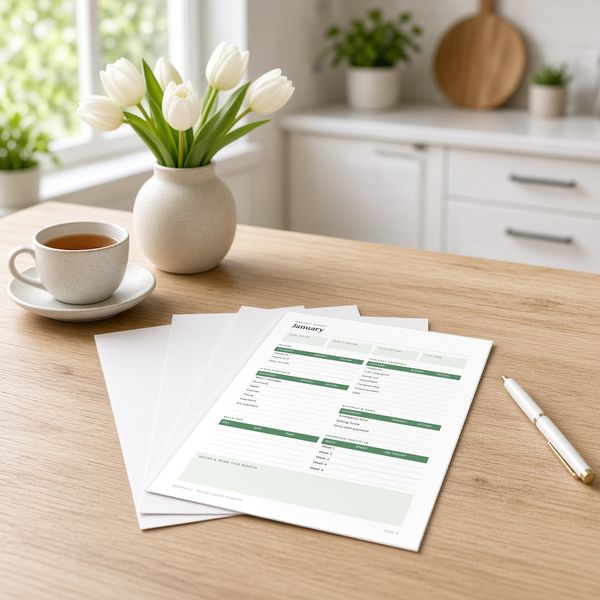
| Planner and budget pages | Regular 20 to 24 lb (75 to 90 gsm) printer paper |
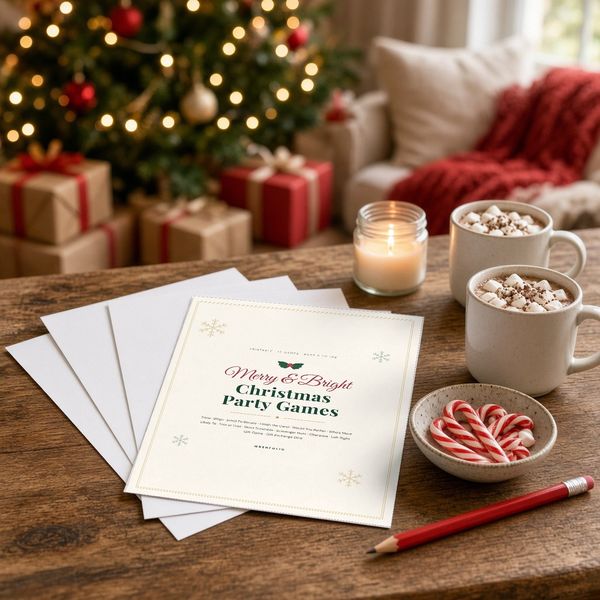
| Party game sheets | Regular paper, or 65 lb cardstock for reuse |
| Bingo, charades and activity cards | 65 to 80 lb (175 to 215 gsm) cardstock |
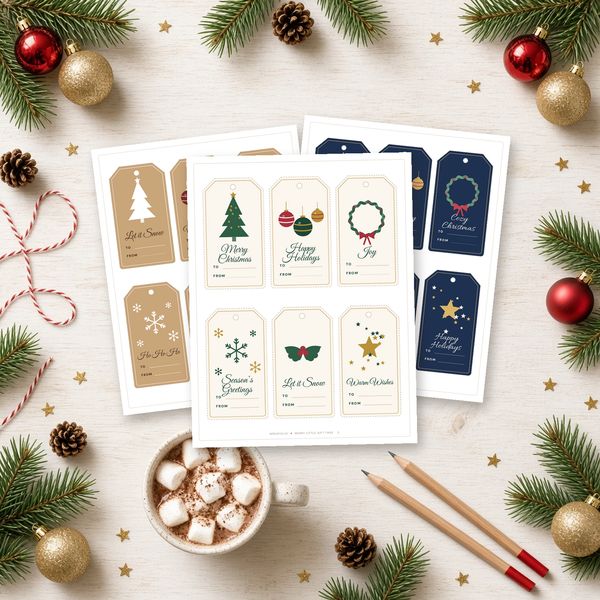
| Gift tags | 80 to 110 lb cardstock, matte |
| Wall art | Heavy matte photo paper, or a print shop |
Check your printer's manual for the heaviest paper it accepts; many home inkjets handle up to 80 lb cardstock through the rear feed.
Cutting and reusing
- A paper trimmer gives straighter cards than scissors and is much faster for 30 bingo cards.
- Laminate cards or slip pages into sheet protectors to reuse them with dry-erase markers year after year.
- For round labels, a 1.75 in or 2 in circle punch saves a lot of time.
When to use a print shop
For large wall art, a big batch of gift tags, or when you're out of ink, upload the PDF to a local copy or photo shop and ask for the same paper size at 100% scale. Bring the file on your phone or a USB drive, or email it ahead.
Troubleshooting
- Edges are cut off: your printer has a margin. Choose "Fit" or "Shrink oversized pages" just for that page.
- Colors look dull: switch to high quality and the correct paper type; plain paper absorbs more ink.
- Cardstock jams: feed one sheet at a time through the rear or manual tray.
Frequently asked questions
Should I print printables at actual size or fit to page?
Actual size (100%) keeps cards, tags and cut lines the intended size. Only use fit to page if your printer cuts off the edges.
What paper weight is best for printables?
Regular 20 to 24 lb paper for worksheets and planner pages, 65 to 80 lb cardstock for game cards, and 80 to 110 lb cardstock for gift tags.