
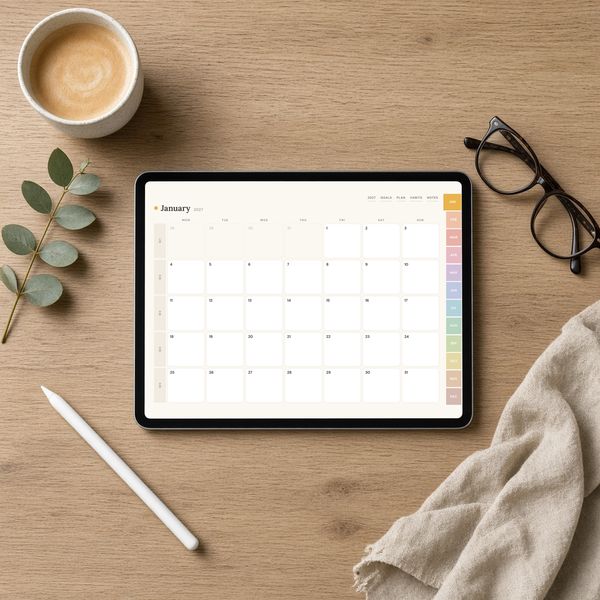
Sunny Days 2027 Digital Planner for GoodNotes & Notability
$18.99
Digital download
Daily, weekly and yearly planners to keep life on track.
A planner only works if it matches how you actually plan. Some people want every day of the year on its own page; others just need a month at a glance and a place to park their goals. Our planners come in both shapes: hyperlinked digital planners you write on with an Apple Pencil in GoodNotes or Notability, and printable planners you print at home on US Letter or A4 paper and keep in a binder.
Digital planners use tappable tabs, so jumping from January to a single Tuesday takes one tap. Printable planners are undated where possible, so you can start any month and reprint a fresh page whenever you need one. New to digital planning? Our GoodNotes setup guide walks you through importing and using your first planner.
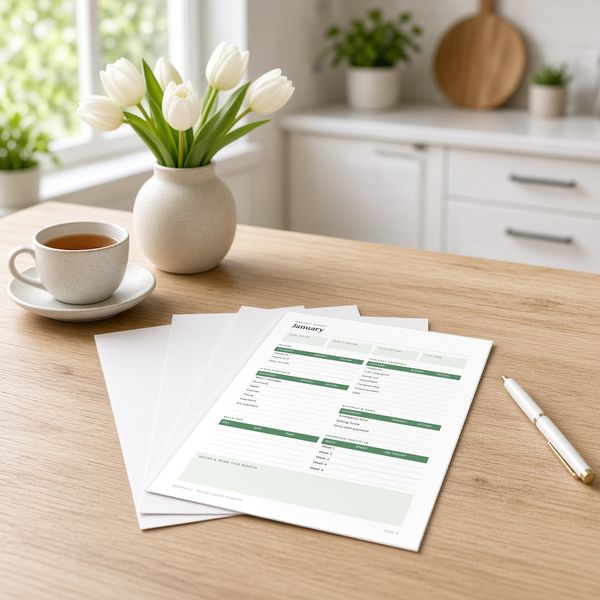
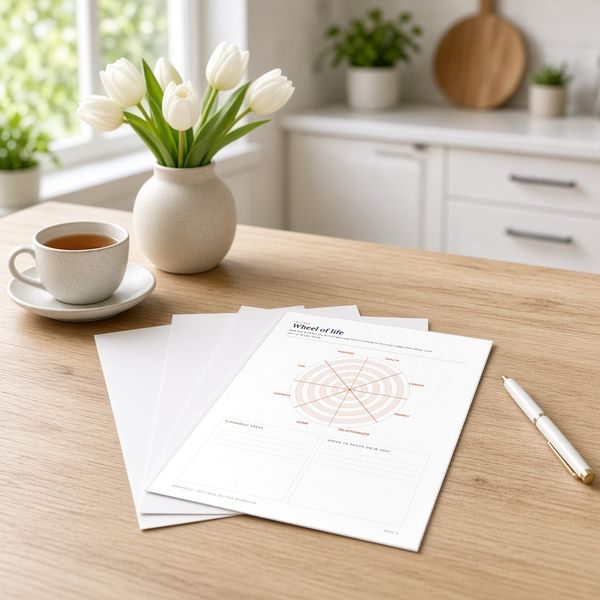
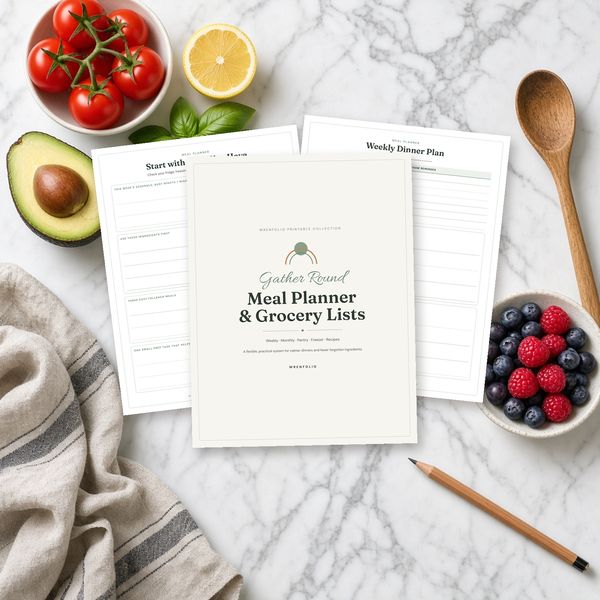
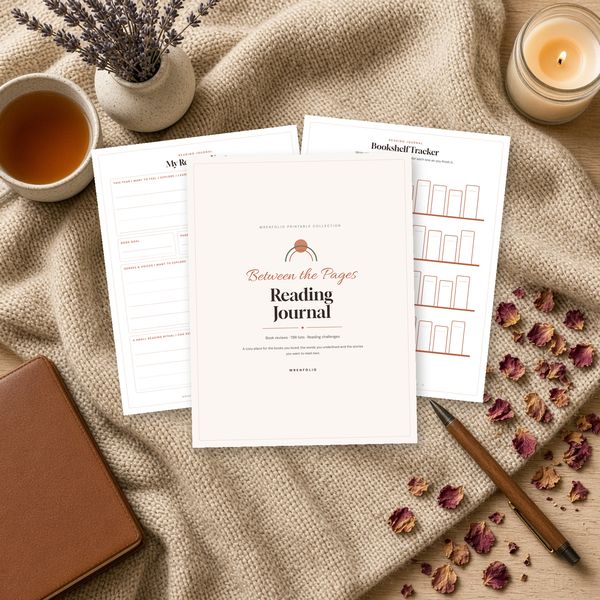
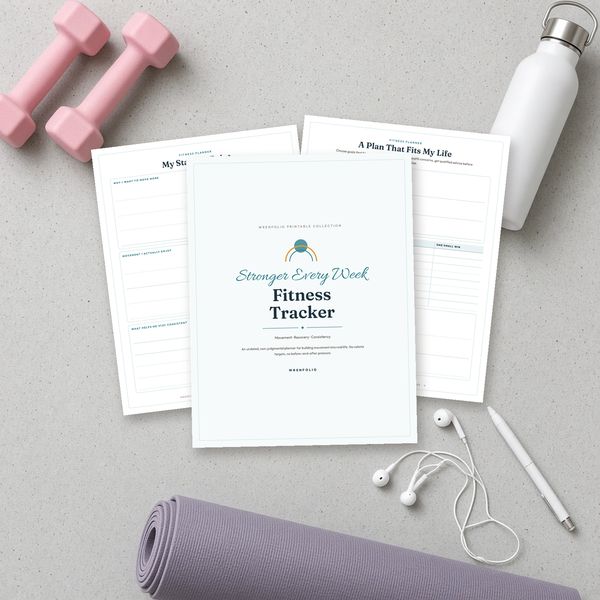
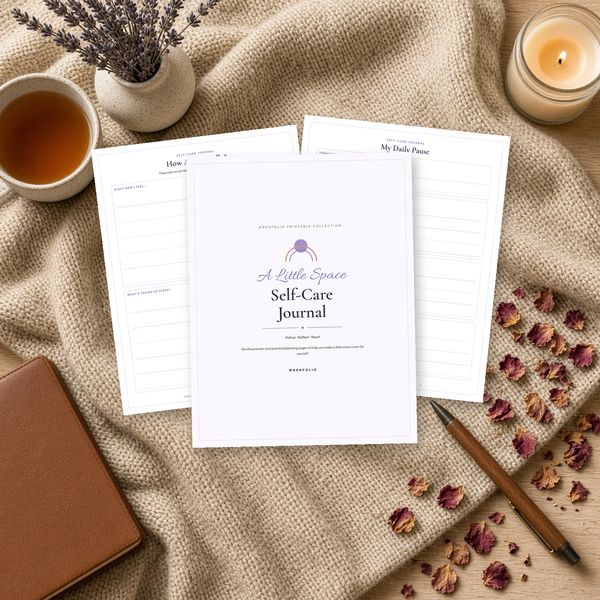
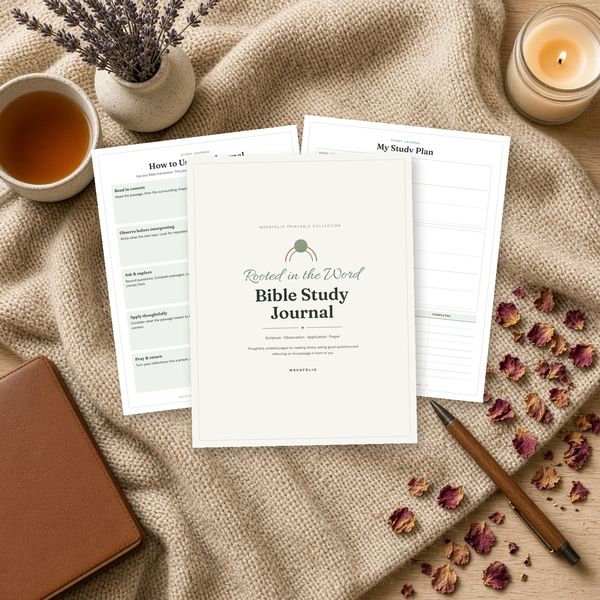
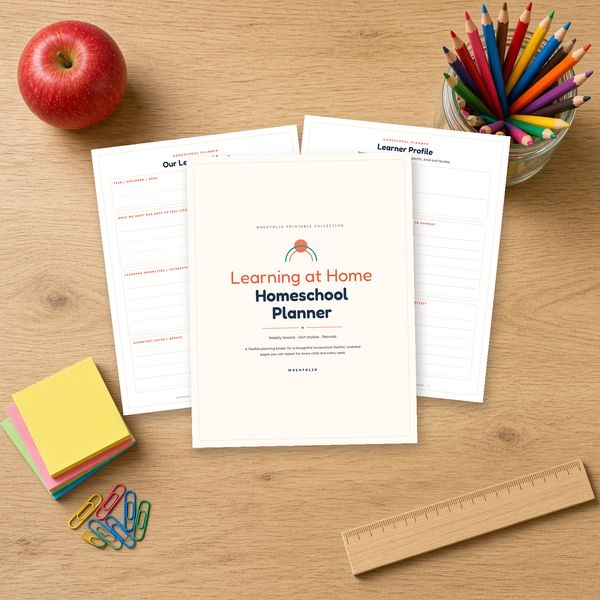
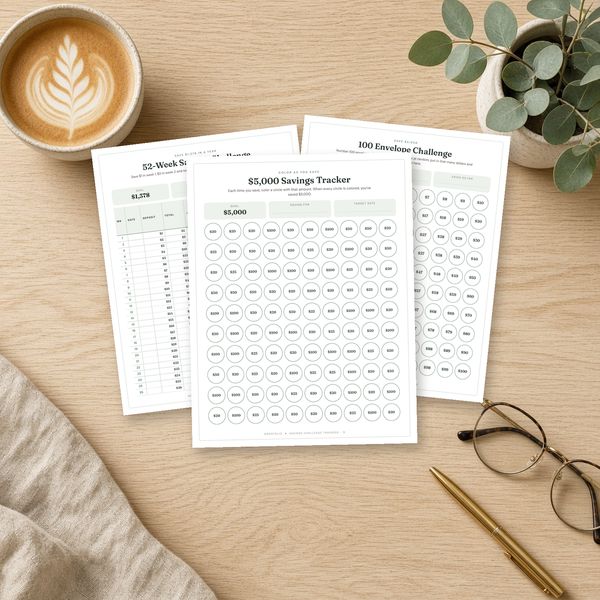
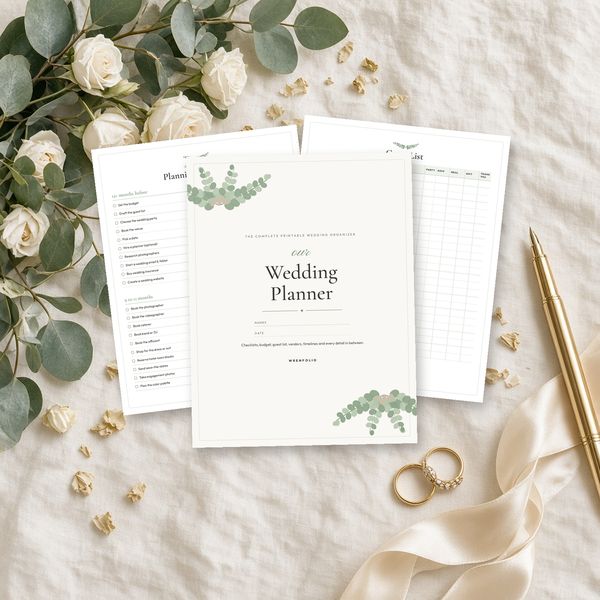
A digital planner is a hyperlinked PDF you import into a note-taking app such as GoodNotes or Notability and write on with a stylus; the tabs and dates are tappable links. A printable planner is a PDF you print on paper. Each product page says which kind it is.
GoodNotes, Notability and any PDF app that supports hyperlinks, on iPad and most Android tablets. See how to set one up in GoodNotes.
Yes. Most printable pages are undated, so you can start in any month and print extra pages whenever you need them for personal use.
Printable planners include both US Letter (8.5 × 11 in) and A4 PDFs. Our printing guide covers paper and printer settings.